
中文 · Camera, photo, text and voice · Offline
The Chinese photo translator that reads Simplified and Traditional characters offline.
AI Translate translates Chinese from your camera, from a photo, from typed or spoken text, and from the objects around you, and every mode works offline once the Chinese pack is downloaded. That makes it a practical Chinese translator in mainland China, Taiwan, Hong Kong and Singapore, where the online tools you normally rely on may be blocked, slow or need a VPN.
Free with your language pair · Premium from $1.99/month
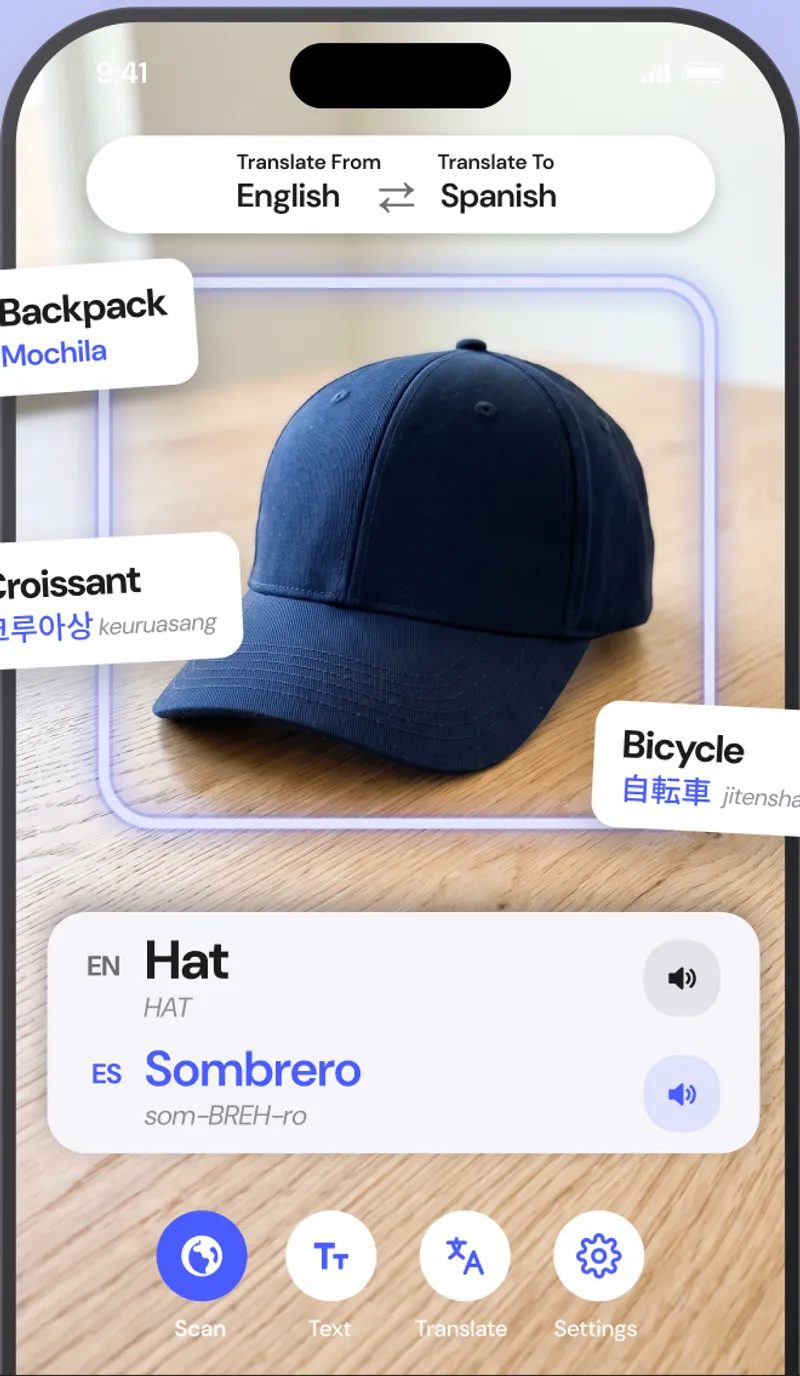
Quick facts about the Chinese translator
- Script
- Simplified and Traditional characters
- Camera translation
- Yes, live overlay and photo import
- Works offline
- Yes, after a one-time pack download
- Object scanner
- Yes, names 1,000+ objects in Chinese and English
- Pronunciation
- Audio plus pinyin
- Account required
- No
What you can translate
Where a Chinese translator earns its place on your home screen.
Restaurant menus and food stalls
Dish names like 宫保鸡丁 rarely come with English. The camera overlays the translation on the menu so you can order with confidence.
Transit, malls and hotels
Metro exits, floor directories, hotel notices and payment instructions are translated as you look at them.
Shopping and packaging
Check what is in a product, how to use it and what it costs, whether the label is Simplified or Traditional.
Common Chinese phrases
What you will actually see on signs and menus.
A few of the phrases the app translates hundreds of times a day. Pronunciation shown in pinyin.
| Chinese | English | Seen on |
|---|---|---|
| 出口chūkǒu | Exit | sign |
| 请勿吸烟qǐng wù xīyān | No smoking | sign |
| 宫保鸡丁gōngbǎo jīdīng | Kung Pao chicken | menu |
| 营业时间yíngyè shíjiān | Opening hours | shop door |
| 多少钱?duōshao qián? | How much is it? | market |
How to
How to translate Chinese from a photo or sign
- 01
Download the Chinese pack
Open Settings, then Offline languages, and tap the download icon next to Chinese. It is about 30 MB and only needs to be done once.
- 02
Point the camera at the text
Open the Text tab and aim at the Chinese sign, menu or label. The English translation appears on top of the original text.
- 03
Freeze to read, or import a photo
Tap Freeze to hold the frame and read every line, or tap the photo button to translate a picture or screenshot you already have.
FAQ
Chinese translator questions.
Does it translate both Simplified and Traditional Chinese?
Yes. The camera reads both character sets, and you can choose Simplified or Traditional as the output when translating into Chinese.
Does the Chinese translator work in China without a VPN?
Yes. Nothing is sent to a server, so it does not matter whether Google or other services are reachable. Download the pack before you land.
Does it show pinyin?
Yes. Word cards and scanned objects show pinyin with tone marks, and you can hear the pronunciation spoken.
Can it translate Chinese from a screenshot?
Yes. Open the photo import button on the camera screen and pick any image from your library, including WeChat screenshots and photos someone sent you.
Also useful
Read Chinese the moment you see it.
Download the Chinese pack once and translate signs, menus, labels and objects with no internet, no account and nothing uploaded.