
ไทย · Text, voice and object scanner · Offline
The offline Thai translator for text, voice and real things.
AI Translate is an offline Thai translator for text, voice and objects. Type or paste Thai, speak a sentence, or point the object scanner at what is in front of you and hear the Thai name. The live camera reads Latin, Chinese, Japanese, Korean and Devanagari text today, so for Thai signs use text translation while camera support for Thai script is in development.
Free with your language pair · Premium from $1.99/month
Quick facts about the Thai translator
- Script
- the Thai script
- Camera translation
- Text and voice today (camera reads Latin, Chinese, Japanese, Korean, Devanagari scripts)
- Works offline
- Yes, after a one-time pack download
- Object scanner
- Yes, names 1,000+ objects in Thai and English
- Pronunciation
- Audio plus RTGS transliteration
- Account required
- No
What you can translate
Where a Thai translator earns its place on your home screen.
Asking and answering
Type a question in English, show the Thai, and let the other person type or speak the reply.
Learning everyday words
Point the object scanner at food, transport and household items to learn the Thai word with pronunciation.
Messages and screenshots
Paste Thai from a chat or booking confirmation and read it in English offline.
Common Thai phrases
What you will actually see on signs and menus.
A few of the phrases the app translates hundreds of times a day. Pronunciation shown in RTGS transliteration.
| Thai | English | Seen on |
|---|---|---|
| ทางออกthang ok | Exit | sign |
| ผัดไทยphat thai | Pad Thai | menu |
| ห้ามเข้าham khao | No entry | sign |
| เท่าไหร่thao rai | How much? | market |
| เช็คบิลchek bin | The check, please | restaurant |
How to
How to translate Thai text offline
- 01
Download the Thai pack
Open Settings, then Offline languages, and tap the download icon next to Thai. It is about 30 MB and only needs to be done once.
- 02
Type, paste or speak
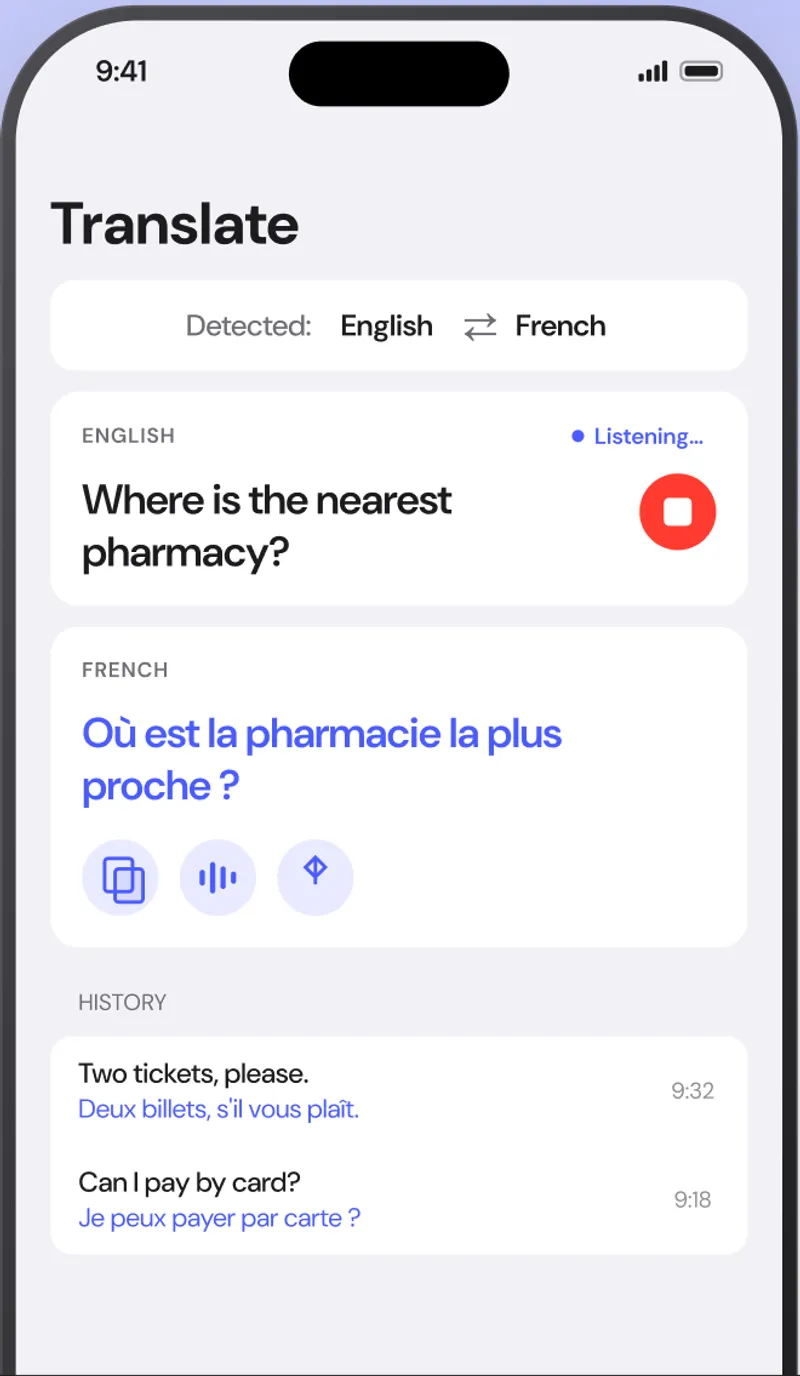
Open the Translate tab, paste Thai text or tap the microphone and say your sentence. The language is detected automatically.
- 03
Hear it and save it
Tap the speaker to hear the translation, copy or share it, or use the Scan tab to learn the names of objects around you.
FAQ
Thai translator questions.
Can the camera read Thai signs?
Not yet. The live camera currently reads Latin, Chinese, Japanese, Korean and Devanagari scripts. Thai text translation, voice and the object scanner all work offline today.
Does the Thai translator work offline?
Yes. Download the Thai pack once and text, voice and object translation work without internet.
Does it show Thai pronunciation?
Yes. Word cards show a Latin transliteration and you can tap to hear the Thai spoken.
Also useful
Read Thai the moment you see it.
Download the Thai pack once and translate signs, menus, labels and objects with no internet, no account and nothing uploaded.