
한국어 · Camera, photo, text and voice · Offline
The Korean photo translator that reads Hangul offline.
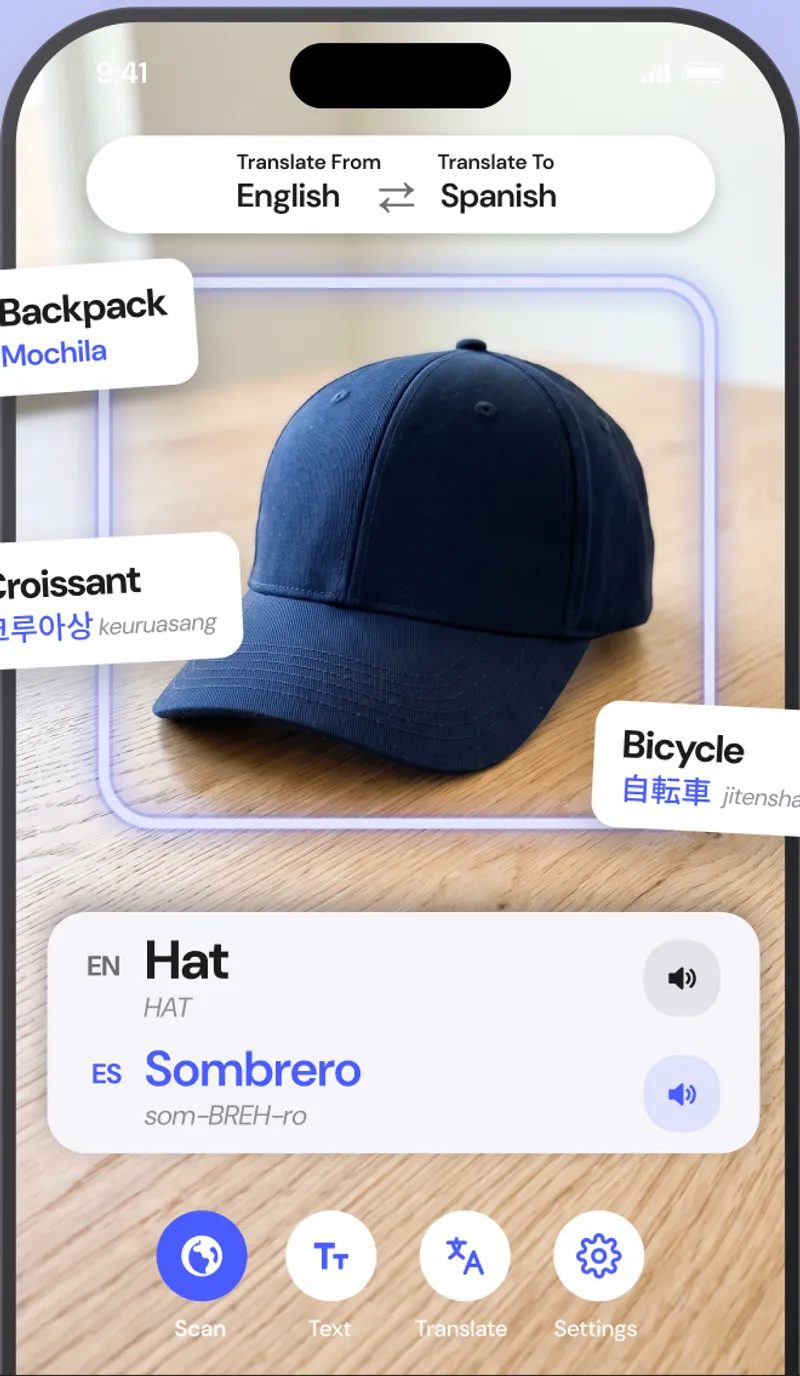
AI Translate is a Korean translator that reads Hangul through the camera and puts the English on screen where the Korean was. Download the Korean pack once and it works offline on the Seoul subway, in a Busan fish market or in a countryside guesthouse where you have no signal.
Free with your language pair · Premium from $1.99/month
Quick facts about the Korean translator
- Script
- Hangul
- Camera translation
- Yes, live overlay and photo import
- Works offline
- Yes, after a one-time pack download
- Object scanner
- Yes, names 1,000+ objects in Korean and English
- Pronunciation
- Audio plus revised romanization
- Account required
- No
What you can translate
Where a Korean translator earns its place on your home screen.
Korean barbecue and street food
Menus list cuts of meat, side dishes and spice levels in Hangul. Read them live before you order.
Subway and bus signs
Exit numbers, transfer notices and bus stop boards are translated as you look, which is faster than typing Hangul.
Skincare and shopping
Read ingredients, directions and shelf labels on cosmetics and packaged food.
Common Korean phrases
What you will actually see on signs and menus.
A few of the phrases the app translates hundreds of times a day. Pronunciation shown in revised romanization.
| Korean | English | Seen on |
|---|---|---|
| 출구chulgu | Exit | subway sign |
| 김치찌개gimchi-jjigae | Kimchi stew | menu |
| 화장실hwajangsil | Restroom | sign |
| 영업중yeongeop-jung | Open | shop door |
| 얼마예요?eolmayeyo? | How much is it? | market |
How to
How to translate Korean from a photo or sign
- 01
Download the Korean pack
Open Settings, then Offline languages, and tap the download icon next to Korean. It is about 30 MB and only needs to be done once.
- 02
Point the camera at the text
Open the Text tab and aim at the Korean sign, menu or label. The English translation appears on top of the original text.
- 03
Freeze to read, or import a photo
Tap Freeze to hold the frame and read every line, or tap the photo button to translate a picture or screenshot you already have.
FAQ
Korean translator questions.
Does it read Hangul from the camera?
Yes. Korean is one of the scripts the live camera reads directly, and the translation appears over the original text.
Does the Korean translator show pronunciation?
Yes. You get Revised Romanization under each Korean word and can tap to hear it spoken.
Does it work offline in Korea?
Yes. Once the Korean pack is downloaded, everything runs on the phone. Korea has great Wi-Fi, but a pocket translator that never buffers is still faster.
Also useful
Read Korean the moment you see it.
Download the Korean pack once and translate signs, menus, labels and objects with no internet, no account and nothing uploaded.