
OCR Translator: How Text Recognition and Translation Work
An OCR translator reads the text in a photo or camera view, then translates it. Learn how each step works, why errors happen and how to get cleaner results.
Published October 19, 2026 · By Frame Sixty Labs
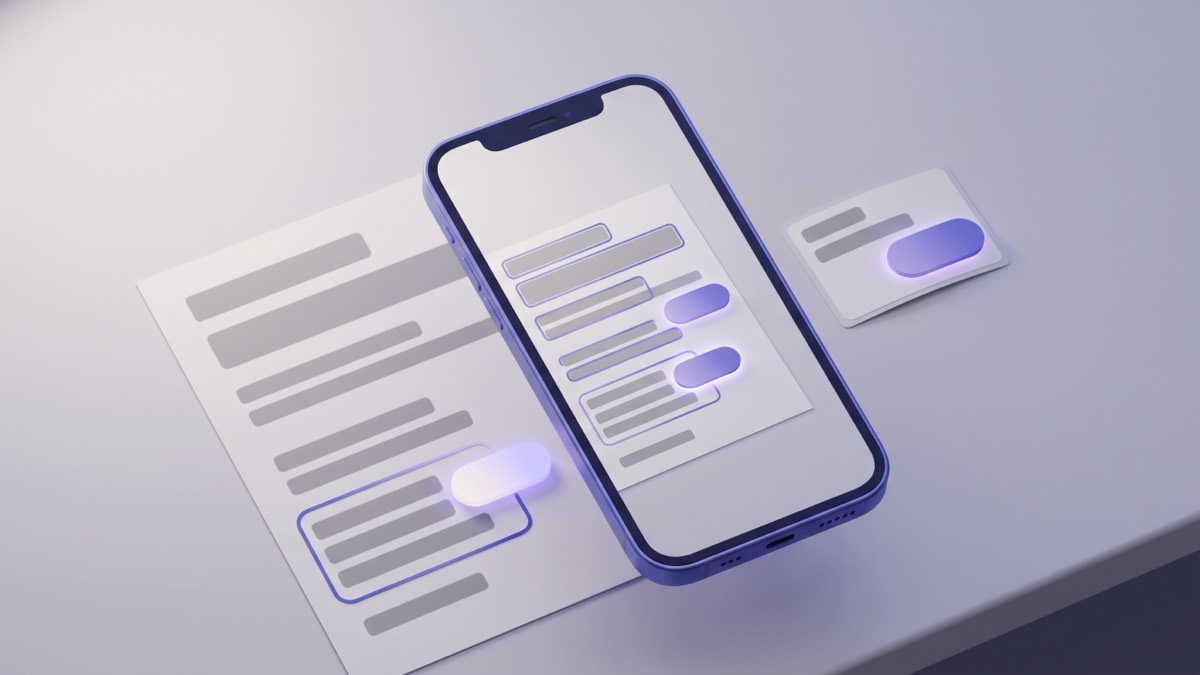
Quick answer: an OCR translator reads the letters in a photo or live camera view with optical character recognition (OCR), turns them into plain text, and then translates that text. Accuracy depends on both steps, but most mistakes come from the first one. AI Translate runs both steps on your phone, offline, for Latin-script languages such as German, French and Vietnamese.
If you have ever pointed a phone at a sign and watched the words change language, you have used an OCR translator. This guide explains what happens in between, where it goes wrong, and how to get a clean result.
What does OCR translation actually mean?
OCR stands for optical character recognition. It is the software that looks at pixels and decides which letters they form. On its own, OCR only copies text out of an image. It does not translate anything.
An OCR translator chains two separate systems together:
- Recognition. The OCR model finds blocks of text in the image and reads each one into characters.
- Translation. A machine translation model takes those characters and produces the same meaning in your language.
The two steps are independent. A perfect translation model cannot rescue a word the recognizer misread, and a perfect recognizer cannot fix a weak translation. When you judge an OCR translator, you are really judging both.
How does an OCR translator read text in a photo?
The recognizer works in stages, much like a person reading a page they have never seen.
- Find the text. The model scans the image for regions that look like writing and draws a box around each block.
- Split it up. Inside each block, it separates lines, then words, then individual characters.
- Classify each character. It compares the shapes to the letters of a script it was trained on, such as the Latin alphabet.
- Check the context. It uses nearby letters to settle doubtful cases, so “c0ffee” becomes “coffee”.
This is why the script matters. A recognizer trained on Latin letters knows “é”, “ß” and “ơ”. It cannot read a script it was never trained on, no matter how sharp the photo is. In the current version of AI Translate, the camera reads Latin-script text, which covers 37 of its 59 languages.
Online vs offline OCR translators
Many OCR translators upload your photo to a server, run both steps there, and send the answer back. Others keep everything on the phone. The table shows the trade-offs.
| Cloud OCR translator | On-device OCR translator | |
|---|---|---|
| Needs internet | Yes, for every photo | No, after the language pack downloads |
| Where your photo goes | Uploaded to the provider | Stays on your phone |
| Speed | Depends on your connection | Instant, no round-trip |
| Works abroad without data | No | Yes |
| Script coverage | Usually broad | Limited to the scripts the on-device model reads |
AI Translate is the second kind. The text recognizer is built into the app, and each language pack is about 30 MB. Once a pack is installed, the live camera and photo import both run with no connection. There is no account, no ad trackers, and photos are never uploaded. If travel without data is the main concern, the offline translator guide covers what else works on a plane or a cheap SIM.
How to use an OCR translator on your phone
There are two ways in, depending on whether the text is in front of you or already saved as an image.
Live camera, for text you can see right now:
- Open AI Translate and tap the Text tab.
- Point the camera at the sign, label or menu. The translation is drawn over the original text, block by block.
- Tap Freeze to hold the frame still while you read.
Photo import, for an image already on your phone:
- On the camera screen, tap the gallery button.
- Pick the photo or screenshot.
- The recognized text is translated and shown in a bottom sheet. Tap to copy it if you want to paste it somewhere else.
For a longer walkthrough with screenshots and other apps, see how to translate a picture.
Why does OCR translation get words wrong?
When a translation looks strange, the recognizer usually misread something first. These are the most common slips in Latin-script languages.
| Language | Printed word | Common misread | What happens |
|---|---|---|---|
| German | Straße (street) | StraBe | “ß” read as “B”, and the word stops making sense |
| French | élève (pupil) | eleve | Accents dropped, still readable but less certain |
| Vietnamese | phở (noodle soup) | pho | Tone marks lost, and the word can change meaning |
| Spanish | año (year) | ano | The tilde vanishes, with an unfortunate result |
| Any | rn | m | Two thin letters merge into one |
Vietnamese is the clearest example of why recognition matters. The language uses stacked diacritics to mark tones, so “ma”, “má”, “mà” and “mã” are four different words. A recognizer that drops one mark hands the translation model a different word entirely. If you read Vietnamese signs often, the Vietnamese translator page has tips for the diacritics.
Other common causes:
- Blur. Motion or low light softens edges, and similar letters start to look alike.
- Angle. Text shot from the side is squashed, which confuses character shapes.
- Decorative fonts. Script lettering on café boards and brush fonts on shopfronts are hard for any recognizer.
- Handwriting. Neat print can work. Joined-up cursive often does not.
- Mixed layouts. Menus with prices, dots and columns can split one dish name across two blocks.
How to get better OCR translation results
Small changes to the shot fix most problems before translation even starts.
- Hold the phone square-on. Line the camera up with the surface instead of shooting at an angle.
- Get closer. Fill the frame with the text you care about, not the whole wall.
- Find the light. Step out of shadow or move away from glare on glossy paper and glass.
- Freeze, then read. Holding the frame stops the translation from flickering as your hand moves.
- Check one word you know. If a familiar word came out wrong, the recognizer is struggling, so reframe and try again.
- Type the tricky line. For one stubborn phrase, typing it into the Translate tab removes the recognition step completely.
What if the text is not in the Latin alphabet?
The camera and photo import in AI Translate do not read Japanese, Chinese, Korean, Arabic, Russian, Hindi, Thai or the other non-Latin scripts in the current version. For those languages the app still translates typed or pasted text, and you can use voice input. If the text is already digital, such as a message or a web page, copy and paste is often faster than any OCR translator, because there is nothing to misread.
The Scan tab is a separate tool. It names everyday objects, more than 1,000 of them, and shows the word in both languages with speaker buttons. It recognizes the object itself rather than any writing on it, so the script does not matter.
Start with German, French or Vietnamese
OCR translation is most useful where letters with accents and special characters trip people up. German is a good test, with its “ß”, umlauts and long compound nouns on every road sign and label. The German translator page shows how the camera handles them offline, and the same steps apply to French, Spanish, Vietnamese and the other Latin-script languages.
Frequently asked questions
What is an OCR translator?
An OCR translator is a tool that first recognizes the printed text in an image, a step called optical character recognition, and then sends that text to a translation model. The result is a translation of words you photographed instead of typed.
Can an OCR translator work offline?
Yes, if both the text recognizer and the translation model are on the phone. AI Translate works this way for Latin-script languages once you download the language pack, so the camera and photo import need no connection.
Why does OCR translation get words wrong?
Most errors start in the recognition step, when a blurry, angled or stylized letter is read as a different letter. A clear, square-on shot in good light fixes most of them before translation even begins.
Try it before your next trip.
AI Translate is free to start. Download a language once to translate typed text and everyday objects offline, and read Latin-script signs and menus with the camera.