
How to Translate German to English From a Picture
Translate a German to English picture on your phone with the live camera or a saved photo, offline too. Tips for umlauts, ß, long compounds and Gothic fonts.
Published September 28, 2026 · By Frame Sixty Labs
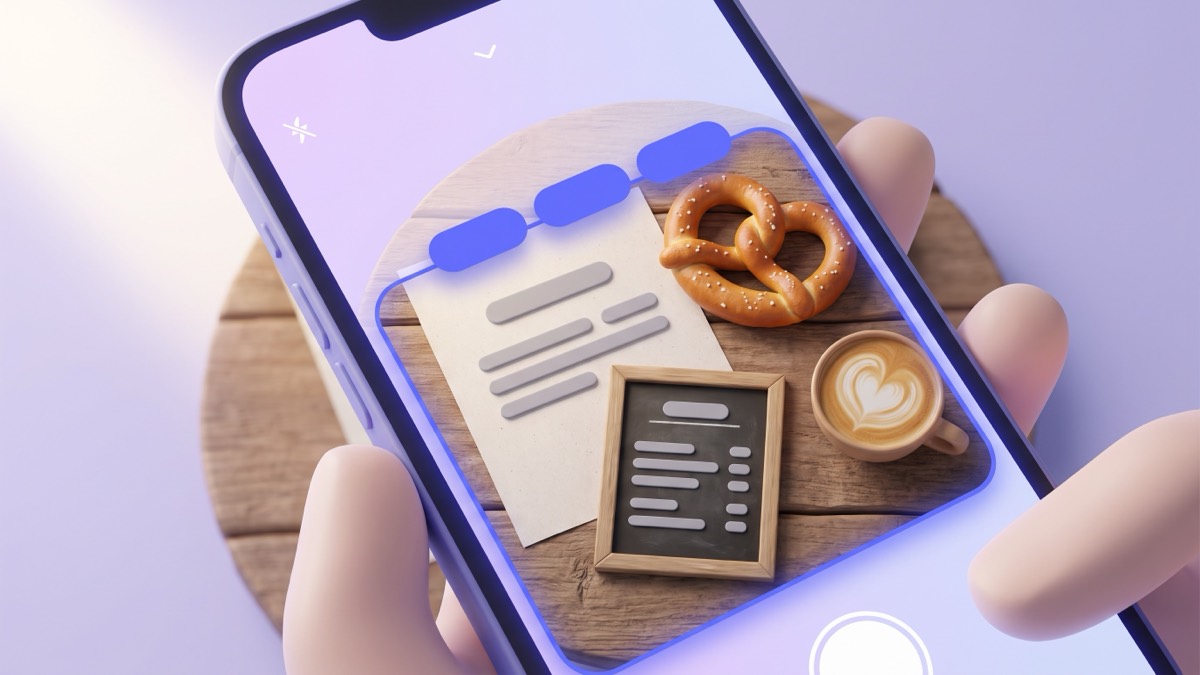
Quick answer: to translate German to English from a picture, open a camera translator, choose German to English and point the phone at the text, or import a photo you already took. AI Translate reads German with the live camera and from saved photos, and once the German pack is downloaded it works with no internet.
German is one of the easier languages to translate from a picture. It uses the Latin alphabet, the text recognizer handles it well, and most signs are printed in clear fonts. The problems that do come up are specific to German: umlauts, the letter ß, very long compound words and the old Gothic lettering you still see on beer labels and pub signs. This guide covers the steps and the fixes.
How do I translate a German picture on my phone?
There are two routes. Use the live camera for text in front of you, and photo import for pictures already on your phone.
Live camera (text in front of you):
- Open AI Translate and set the pair to German and English.
- Tap the Text tab and aim the camera at the sign, menu or label.
- The English appears over the German, block by block.
- Tap Freeze to hold the frame while you read.
Photo import (a picture you already have):
- Open the Text tab.
- Tap the photo button next to Freeze and pick the image from your library.
- The app reads the German, translates it and opens the English in a sheet.
- Tap copy to paste the translation into a message or a note.
Photo import does not draw the translation over the photo. It gives you the text, which is often more useful for a letter, a rental contract or a screenshot you want to forward. For a general walkthrough that covers other languages and desktop options, see how to translate a picture.
Does it work offline in Germany, Austria and Switzerland?
Yes. The German pack is about 30 MB. Download it at home or on hotel Wi-Fi, and the camera, photo import and typed translation all run on the phone. That matters on regional trains, in the Alps and in rural areas where the signal drops.
Written German is shared across Germany, Austria and Switzerland, so the same pack works in all three. One difference: Swiss German writing does not use ß. You will see “Strasse” in Zurich and “Straße” in Munich. Both translate to “street”.
Voice input is the one feature that may need a connection, because it uses your phone’s own speech recognition. The offline translator page lists exactly what works without data.
What German words will I see most in pictures?
Travellers photograph the same kinds of text again and again. This table shows common German words from signs, stations, shops and menus, with the English you should expect to see.
| German | English | Where you see it |
|---|---|---|
| Ausgang | Exit | Stations, shops, museums |
| Eingang | Entrance | Doors, venues |
| Notausgang | Emergency exit | Buildings, trains |
| Gleis | Platform, track | Train stations |
| Abfahrt / Ankunft | Departure / Arrival | Timetables |
| Haltestelle | Stop | Buses and trams |
| Geschlossen / Geöffnet | Closed / Open | Shop doors |
| Ruhetag | Closing day | Restaurant doors |
| Tagesgericht | Dish of the day | Menu boards |
| Pfand | Deposit | Bottles and cans |
| Einbahnstraße | One-way street | Road signs |
| Rauchen verboten | No smoking | Everywhere |
| Mindestens haltbar bis | Best before | Food packaging |
If you know a handful of these, you can sanity-check what the app shows you. When “Pfand” comes back as “deposit”, you know the translation is reading the bottle label correctly.
Why does the translation of a German picture come out wrong?
Almost every bad result starts with a misread character, not a bad translation. German has four common traps.
Umlauts. The dots on ä, ö and ü are small. In a blurry or angled photo, “schön” (beautiful) can be read as “schon” (already), which changes the meaning. Hold the phone square to the text and move closer so the dots are clear.
The letter ß. This is a sharp “ss” sound. In some fonts it looks like a capital B. If a word such as “Straße” comes back strange, the recognizer probably read “StraBe”. Retake the picture closer, or type the word into the Translate tab.
Long compound words. German joins nouns together. “Fahrkartenautomat” is ticket machine, and “Rindfleischsuppe” is beef soup. If a line break splits a compound across two lines, the halves may translate separately. Step back so the whole word sits in one text block.
Gothic fonts. Old Fraktur lettering still appears on breweries, pub signs and historic buildings. Recognizers are trained mostly on modern fonts, so Fraktur is often misread. The long s (ſ) looks like an f, which makes things worse. For these, read the translation as a rough guide, or type the words in yourself.
Five habits for sharper German picture translations
- Shoot square on. Hold the phone parallel to the sign or page. Angled shots distort letters.
- Fill a third of the screen. Tiny text gets guessed. Move closer rather than zooming the photo later.
- Avoid glare. Laminated menus and train timetables reflect light. Tilt slightly so the light comes from the side.
- Freeze before reading. A frozen frame stops the text from shifting as your hand moves.
- Read the description, not the dish name. Menu names like “Himmel und Erde” (heaven and earth) are idioms. The description underneath says what is actually on the plate: potatoes, apples and black pudding.
Can I translate German handwriting from a picture?
Neat block letters on a café chalkboard usually translate well. Joined-up handwriting is harder in every app, because the recognizer has to guess where one letter ends. A handwritten note from a landlord may come back partly wrong.
Very old handwriting is a different case. Letters and church records written in Kurrent or Sütterlin script before the 1940s look nothing like modern writing. A phone camera will not read them reliably. Family historians usually need a transcription first, then a translation.
What about German words with no text at all?
Sometimes you want the German for something you can see, not something written down. The Scan tab in AI Translate recognizes over 1,000 everyday objects and shows the name in both languages. Point it at a bread roll and you get “Brötchen”, with a speaker button to hear it and a Save word button to keep it. German gets audio only, with no written pronunciation hint, and the audio uses the voices installed on your phone.
How private is translating a picture this way?
AI Translate does not need an account. Photos and camera frames are processed on the phone and are never uploaded. There are no ad trackers. That makes it a sensible choice for pictures of a lease, a medical letter or a Kita form from your child’s daycare, which you may not want to send to a server.
The free plan covers your chosen language pair with 15 translations a day. Premium starts at $1.99 a month if you need more.
The same steps work for other Latin-script languages you may meet on the same trip, such as French in Alsace or Italian in South Tyrol. For German place names, phrases and more use cases, the German translator page is the best next stop.
Frequently asked questions
Can I translate a German picture to English without internet?
Yes. German uses the Latin alphabet, so AI Translate's live camera and photo import both read it. Download the German pack once (about 30 MB) and both work with no connection.
Why does my phone misread German umlauts?
Umlaut dots are small, so blur, glare or a steep angle can make ä look like a. Hold the phone square to the text, get closer and tap Freeze. If a word still looks wrong, retype it in the Translate tab with the umlaut.
Can a photo translator read old German Gothic script?
Printed Fraktur on beer labels, pub signs and old buildings is often misread, because text recognizers are trained mostly on modern fonts. Old handwritten Kurrent or Sütterlin script is not something a phone camera can read reliably.
Try it before your next trip.
AI Translate is free to start. Download a language once to translate typed text and everyday objects offline, and read Latin-script signs and menus with the camera.